
Software pricing pages are designed to be scanned, not read. The big number is rarely what a small business pays after the first invoice, because the real cost hides in four places: the billing toggle, the seat minimum, the promotional period and the add-on list. This note walks through each using three live pricing pages - FreshBooks, monday.com and Todoist - as read in October 2026. The figures are quoted from the vendors' own pages and will change; the method for reading them will not. Nothing here is a recommendation to buy any of the three. It is a way to make sure the number you budget is the number you are billed.
The billing toggle: monthly versus annual
Most pricing pages default to the annual-billing price, which is lower, and show the monthly-billing price only when you flip a toggle. monday.com's Work Management page, as of October 2026, lists Basic at $9, Standard at $12 and Pro at $19 per seat per month, with a banner reading "Yearly SAVE 18%"; the monthly-billing figures are higher and appear only after the toggle is switched. Todoist's page shows the same pattern with "Billed Yearly" and "Billed Monthly" switches, and its Business plan is listed "per user/month" with the words "plus local tax," which means the displayed figure is pre-tax.
The reading rule: find the toggle before reading any number, and decide which one matches how you will actually pay. Annual billing is cheaper per month but is a lump sum up front, and vendors commonly do not refund it if you leave after three months. For a one-person business trying a tool, the monthly figure is the honest comparison, even though it is the one the page hides. Write both down. Our monday.com review and Todoist review list the plan tiers as they stood when each was last updated.
Seat minimums: the number that multiplies
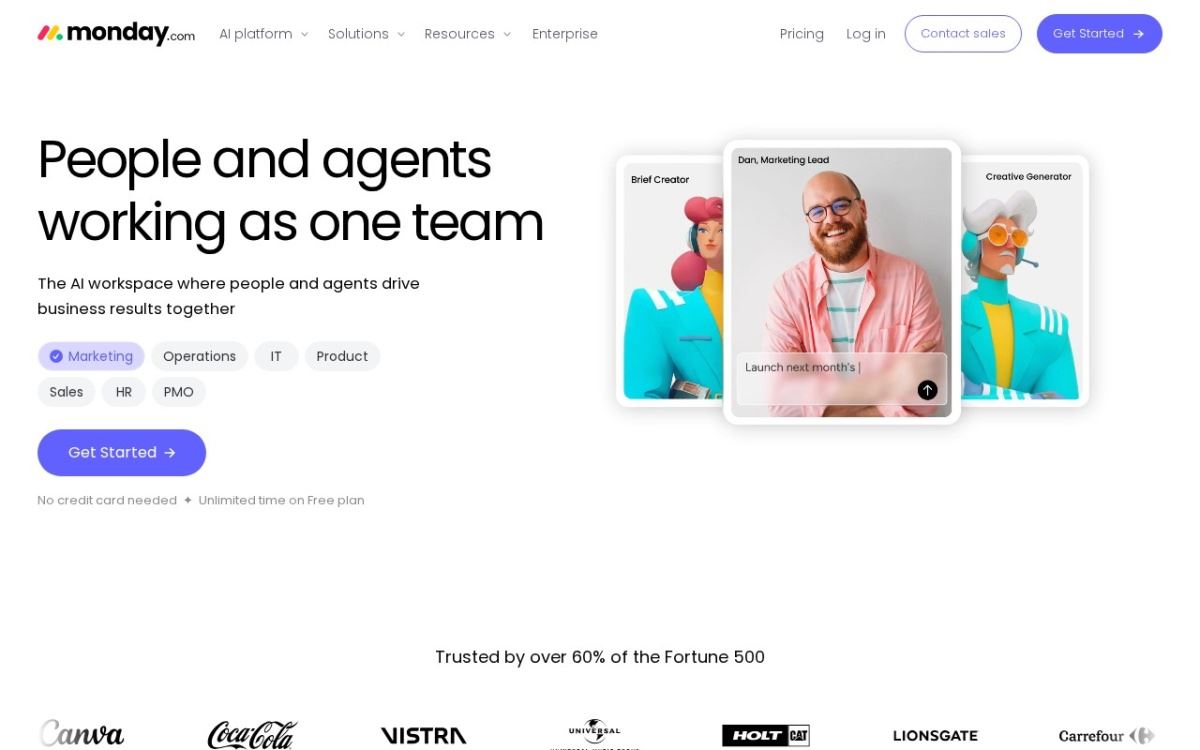
A per-seat price is only the price if you can buy one seat. monday.com's Work Management plans, as of October 2026, carry a minimum of 10 seats on Basic, Standard and Pro, while its CRM plans carry a 3-seat minimum at $12, $17 and $28 per seat. So the entry price for a solo user on Work Management Basic is not $9 per month; it is 10 seats multiplied by $9, or $90 per month on annual billing, whether or not nine of those seats are ever used. The Free plan allows 2 seats and is capped at "Up to 3 boards" and "Up to 3 Docs."
Minimums are not hidden exactly, but they are typeset small. The reading rule is to find the phrase "minimum," "starting at" or "seats" near the price and multiply before comparing anything else. Also check whether viewers, guests or clients count as seats; monday.com's Basic plan lists "unlimited viewers," which is a meaningful exception for a team that needs stakeholders to see boards without editing them. A tool with no minimum and a higher per-seat price can be cheaper for a team of three than a tool with a lower per-seat price and a ten-seat floor.
Promotional pricing: read the duration, then the regular price
FreshBooks' pricing page, as of October 2026, is a clean example of how promotional pricing is presented. The Lite plan shows "$1.00USD/mo" against a struck-through regular price of "$23.00USD/mo," with the offer stated as "$1.00 USD/mo for one year." Plus shows $8.60 against a regular $43.00, and Premium $14.00 against $70.00, both labelled "80% Off for 3 Months." After the promotional window, the regular figure applies. On Plus, the first year therefore costs 3 months at $8.60 plus 9 months at $43.00, or about $412.80, not the $103.20 a reader might assume from twelve months of the promotional figure.
Promotions are legitimate and worth taking, but the budgeting number is the regular price, and the date the promotion ends belongs in your calendar. Also check whether the promotion applies to monthly billing, annual billing or both; some are offered on only one. A promotion that requires annual billing to unlock the discount is, in effect, a twelve-month commitment at the regular price with a few cheap months at the front, and that is a different decision from a month-to-month trial. Our FreshBooks review notes the regular tier prices and the client caps, which brings us to the next place cost hides.
Usage caps and add-ons: where the plan name stops meaning anything
The plan name tells you the tier; the fine print tells you the ceiling. FreshBooks caps billable clients at 5 on Lite, 50 on Plus and unlimited on Premium, as of October 2026. A freelancer with six clients cannot use Lite at any price. Todoist's free Beginner plan caps at "5 personal projects," "3 filter views," "1 week activity history" and "5 MB" file uploads, which is generous for a personal list and tight for a business one. Caps like these are the actual boundary between tiers, and they are usually listed in the feature comparison table below the price cards, not on the cards themselves.
Add-ons are the other multiplier. FreshBooks lists "Team Members ($11/mo per user)," "Advanced Payments ($20/mo)" and "FreshBooks Payroll ($40/mo plus $6/mo per user)" as separate line items, as of October 2026; the custom-priced Select plan includes Advanced Payments and two team member accounts. A business that assumed Plus at $43 would run its books, and then needs one contractor logging time, card payments and payroll for two people, is looking at $43 plus $11 plus $20 plus $40 plus $12, or $126 per month before tax. None of that is deceptive; it is simply not on the big number. The reading rule: list every function you need, then find each one in the comparison table and note whether it is included, capped or priced separately.
A reading order that catches the surprises
Start with the comparison table, not the price cards. Mark which tier includes every function you need, including caps on clients, projects, storage or submissions. Flip the billing toggle and record the monthly-billing price for that tier. Check for a seat minimum and multiply. Add every add-on you will use. If a promotion is showing, note the regular price and the promotion's end date. Finally, look for the words "plus tax" or "plus local tax," because the displayed figure may not include it. The number at the bottom of that list is your real monthly cost, and in the three examples above it can run well above the card you first looked at.
Bottom line
A SaaS pricing page is accurate and incomplete at the same time. The number on the card is usually the annual-billing, pre-tax, promotional, single-seat price for a tier that may not include the one function you need. Read the toggle, the minimum, the promotion's duration, the caps and the add-ons, in that order, and the invoice will match the budget. The three pages cited here - FreshBooks, monday.com and Todoist - each publish all of this information as of October 2026; the work is in reading past the first number.
Community discussion
Enjoyed this story? Share your thoughts below.